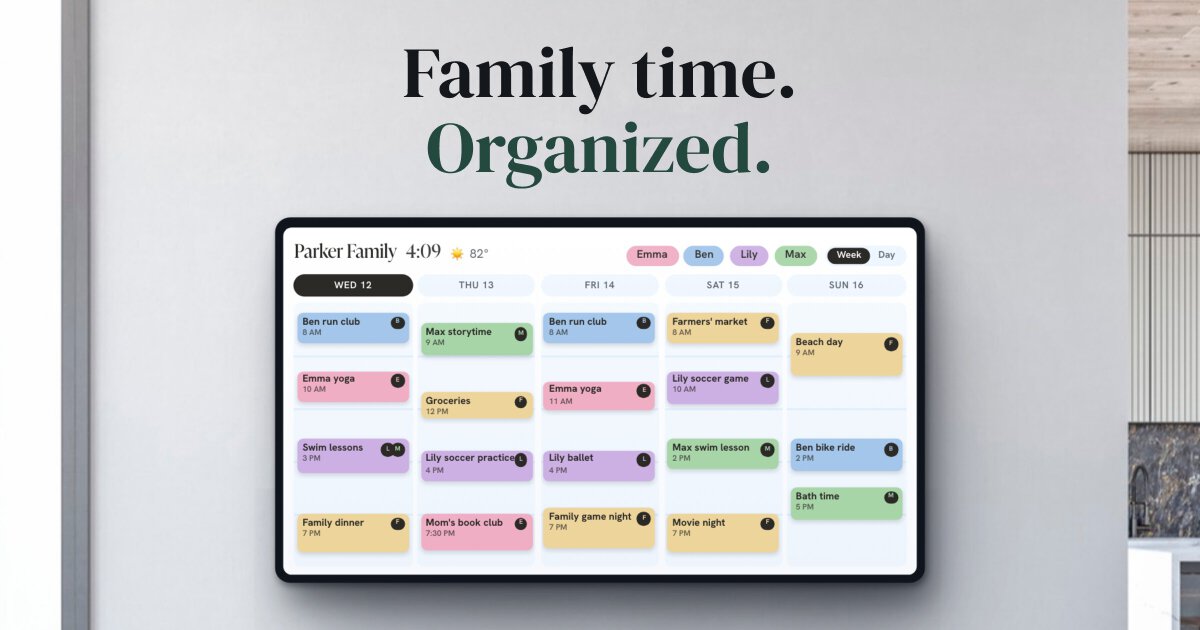
Skylight sells two screens that look alike on a shelf and do different jobs. The Frame shows photos. The Calendar shows the family schedule, and shows photos too, but only with a subscription. If you came here wanting one device that does both, that last detail decides most of the question. (We make Callie, an alternative that runs on a TV you already own, so weigh our view accordingly. Prices are from Skylight's store on October 20, 2026.)
The short version
| Skylight Frame | Skylight Calendar | |
|---|---|---|
| Main job | Photos and videos | Family calendar, chores, lists |
| Sizes | 10" (Frame 2); 10" and 15" (original Frame) | 10", 15", 27" |
| Price | $159.99–$299.99 | $149.99–$569.99 with Plus; $20–30 more without |
| Subscription | Frame Plus, $39/year, optional | Calendar Plus, $79/year |
| Shows a calendar | No | Yes |
| Shows your photos | Yes | Only with Plus |
The Skylight Frame
The Frame is the product Skylight started with, and the idea hasn't changed: a Wi-Fi photo frame that relatives can send pictures to, from the app or just by email. The current Frame 2 is 10" only, at $189.99 in the classic style and $219.99 in wood or shadow box. The original Frame is still sold at $159.99 for 10" (on sale for $139.99 when we checked) and $299.99 for 15".
The basics work without a subscription. Frame Plus, at $39 a year, covers every frame on your account and adds albums, settings you can change remotely, mirroring a slideshow across frames, and cloud backup. (Skylight's own pages disagree on whether videos need Plus, so check before you buy if that matters to you.)
What the Frame doesn't do is anything but photos. There's no calendar, clock, or weather setting in its device options.
The Skylight Calendar
The Calendar is a touchscreen that pulls in your Google, Apple, and Outlook calendars and color-codes the family, with chore charts and lists alongside. It comes in three sizes:
- 10" Calendar: $149.99
- 15" Calendar 2: $299.99 (colors and wood finishes run $319.99–$329.99)
- 27" Calendar Max: $569.99
Read the price tags closely. Each model has two prices, and the lower one includes the Plus plan: a free first month, then $79 a year. Buying without Plus costs $20–30 more up front.
What Calendar Plus adds
Without Plus, the Calendar still syncs your calendars and runs chore charts, tasks, lists, and profiles. Calendar Plus ($79 a year) adds:
- The photo and video screensaver
- Sidekick, its AI tool for importing events
- Meal planning
- Star rewards for chores, and habit tracking
Skylight's product page is direct about it: without Plus you "will not be able to display photos on your Calendar." The photo-frame half of the Calendar costs $79 a year.
Which one do you need?
- A gift for grandparents: the Frame. It does one thing, and relatives who only use email can still fill it. (We also like Aura's frames for this. See our frame comparison.)
- The family schedule in the kitchen: the Calendar. The 15" Calendar 2 is the size most families buy.
- One screen for both: the Calendar with Plus. Budget for the subscription from the start, since it's what turns on the photos.
- Both, in different rooms: a Frame on the mantel and a Calendar in the kitchen. That's two devices and possibly two subscriptions ($39 and $79 a year).
What each setup costs over three years
| Setup | Three years |
|---|---|
| Frame 2 (10"), no Plus | $189.99 |
| Frame 2 (10") with Frame Plus | $296.99 |
| Calendar 2 (15"), no Plus, so no photos | $319.99 |
| Calendar 2 (15") with Calendar Plus | $536.99 |
| Calendar Max (27") with Calendar Plus | $806.99 |
With Plus, the totals are the lower up-front price plus three years at $79 or $39. The free first month takes a few dollars off. For the full long-run math on the Calendar, see is the Skylight Calendar worth it?
A third option, if you already have a TV
Callie puts the family calendar and the photo frame on one screen you already own: an Apple TV, Fire TV, or Google TV, an iPad, or any web browser. The week shows each person in their own color, and when nobody's using it, the screen switches to an iCloud or Google Photos shared album with the clock and next event in the corner. Photos are included; there's no separate tier.
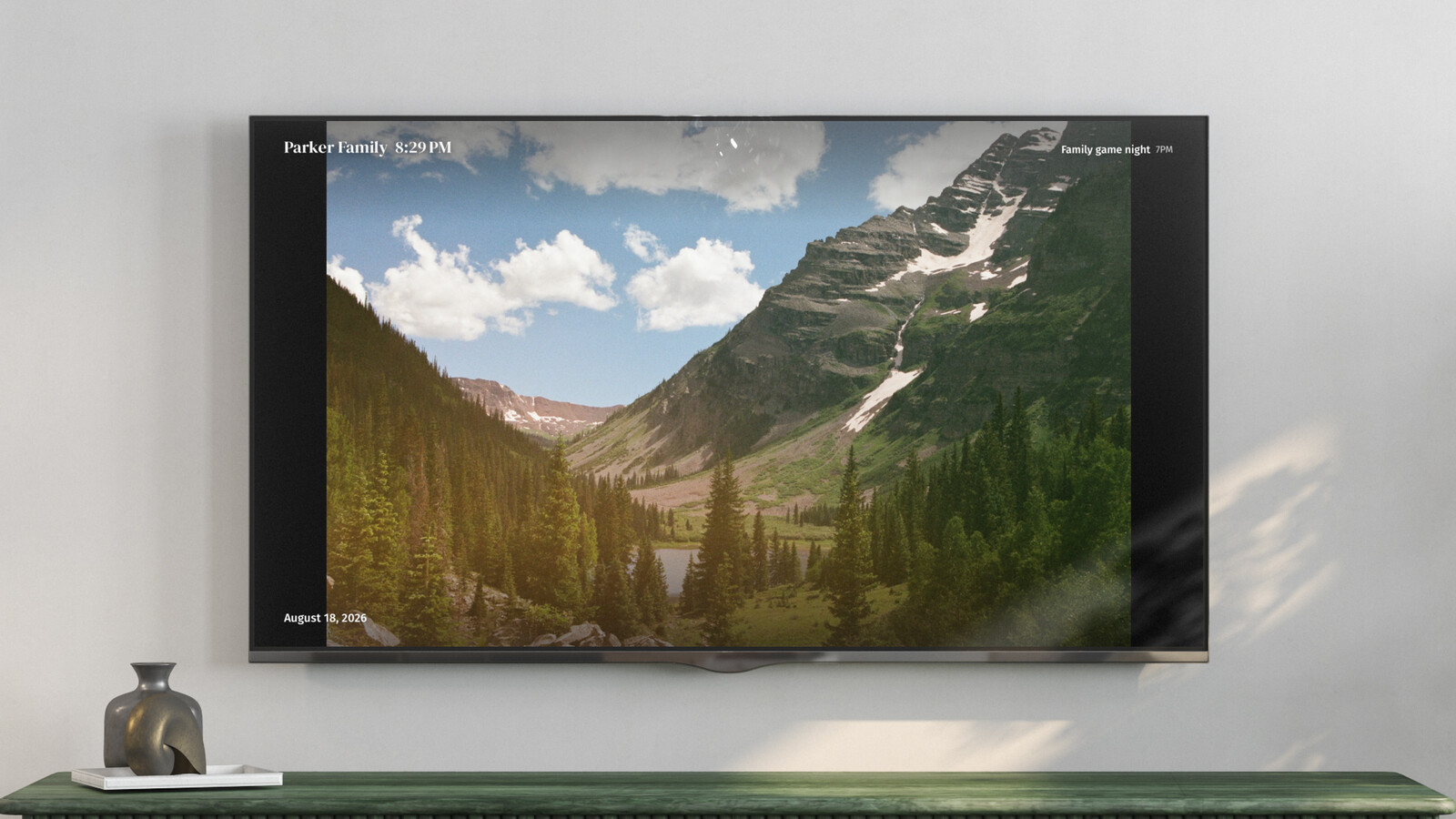
The trade-off is that a TV isn't a touchscreen. You add events and tick off lists from your phone. It's free for now, then $3 a month or $30 a year per family. More options are in Skylight Calendar alternatives.