One screen, two jobs: a photo frame that’s also the calendar
Digital photo frames and family calendar displays used to be different products. They're converging fast, and it makes sense: both are a screen on the wall that's only occasionally the center of attention. A frame that can't show today's schedule is underemployed; a calendar glowing with next week at 9pm on a Saturday is worse. The combination (photos most of the time, the week when it matters) is the product both categories were circling. You can get there with or without buying new hardware. (We make Callie, the no-new-hardware version.)
The buy-a-screen route
Skylight is the cleanest example of the convergence: the company sells both the Frame and the Calendar, and the Calendar's photo-screensaver mode (part of the $79/year Plus subscription) is the two-in-one: calendar by day, slideshow between glances. Hardware runs $149.99–$599.99 by size. Hearth ($699 plus $9/month) likewise fills idle time with your photos. Both work well; both are a second screen to buy, and the photo features ride on the subscription.
The use-your-TV route
A TV is, among other things, an enormous high-resolution photo frame that you already own. What it lacks is software that treats it as one. Apple's native screensavers show Apple's aerials, or your photo library via Photos, but they don't know about the family schedule.
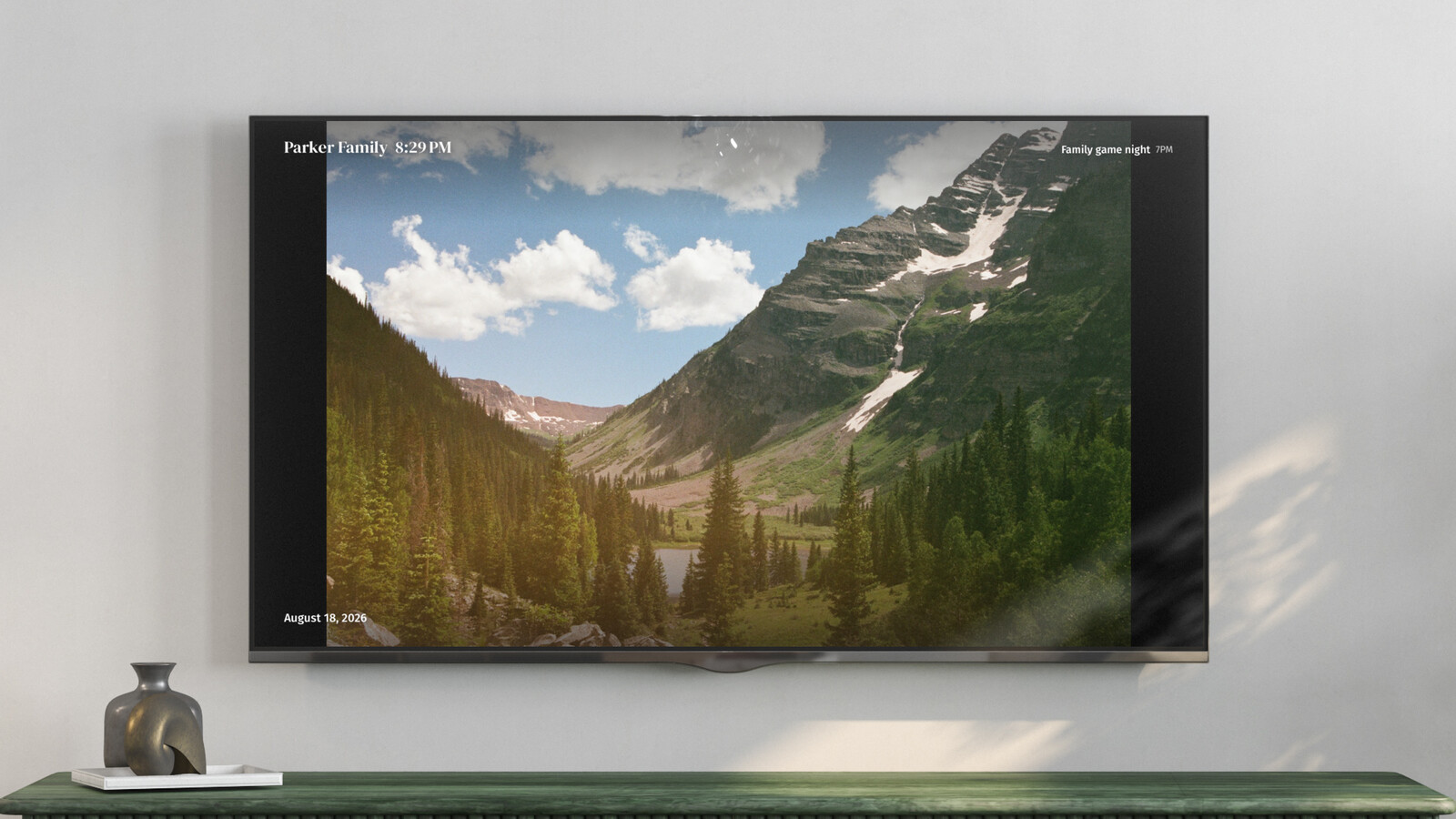
Callie was built around exactly this dual life. On an Apple TV, iPad, or iPhone, it's the family week, everyone in their own color. Idle, it becomes a photo frame fed by an iCloud Shared Album or a Google Photos shared album: the album you probably already share with the grandparents. Add a photo from any family member's phone and it shows up on the wall on its own. Details worth knowing:
- The photos never touch our servers. Callie points your devices at the album on Apple's or Google's servers directly, so pictures flow straight to the screen. How the album hookup works.
- Anyone can contribute. Shared albums accept photos from every subscriber, so the frame stays fresh without one person curating it.
- It's included. The photo frame comes with the $3/month family plan; there's no separate photo tier.
If you only want the frame
No calendar ambitions? A dedicated frame is still a fine product. Skylight's and Aura's frames are the usual gift-shopping answers, running roughly $130–300 depending on size, built around emailing photos to grandma's mantel. The calendar-frame combo earns its place in the rooms where the schedule matters: kitchen, living room, wherever the family actually plans. Bedrooms and offices can keep their single-purpose frames.
A note on what "idle" should look like
Having shipped this, we'll share the one design opinion that survived contact with real living rooms: the photos are the resting state, not the calendar. A wall calendar that never sleeps feels like an office; family photos with the week a button-press away feels like a home. If you're evaluating any combo product, check which state it defaults to, because you'll be living with that choice at 9pm every night.
Keep reading
- The best family calendars in 2026: apps, displays, and your TV
- 6 Skylight Calendar alternatives worth a look in 2026
- Is the Skylight Calendar worth it? The five-year math
Callie puts the family calendar on the Apple TV, iPad, and iPhone you already own. See how it works or start free.