Callie puts your family's calendar on the devices you already own.

Parker Family 7:42 ☀️ 82°

WED 12

Ben run club
8 AM
B
Emma yoga
10 AM
E
Swim lessons
3 PM
LM
Family dinner
7 PM
F

THU 13

Max storytime
9 AM
M
Groceries
12 PM
F
Lily soccer practice
4 PM
L
Mom's book club
7:30 PM
E

FRI 14

Ben run club
8 AM
B
Emma yoga
11 AM
E
Lily ballet
4 PM
L
Family game night
7 PM
F

SAT 15

Farmers' market
8 AM
F
Lily soccer game
10 AM
L
Max swim lesson
2 PM
M
Movie night
7 PM
F

SUN 16

Beach day
9 AM
F
Ben bike ride
2 PM
B
Bath time
5 PM
M

Works with

  • Apple TV
  • iPad
  • iPhone
  • Any web browser
  • TRMNL
  • Home Assistant
  • iCloud Calendar
  • Google Calendar
  • Outlook
  • Any ICS feed
  • iCloud Shared Albums
  • Google Photos
  • Apple Home
  • UniFi Protect
  • TP-Link Tapo
  • Reolink
  • Hikvision
  • Amcrest
  • Dahua
  • Lorex
  • Axis
  • Annke

You already own the screen.

The usual way to get a family calendar on the wall is to buy a dedicated display, find a spot for it, and then pay a subscription to keep it running. It's one more gadget to charge, update, and eventually replace.

Callie skips the hardware. Add Callie to any screen in your home, turn them into always-on family hubs.

A wall calendar for the whole house

Callie features multiple ways to engage your family and stay on top of things.

Lily ballet
4 PM
L
Max swim lesson
11 AM
M

Organize your family's schedule

Callie can work with a single calendar or individual calendars for each family member. Callie works out whose event is whose from names and nicknames, and can learn from you over time.

On every screen, not just one

Link as many TVs, tablets and phones as you like, in any room you like, plus e-ink displays like TRMNL and any web browser. It's the same calendar everywhere and it stays in sync.

✓Milk
🗑️Trash dayTUE

Lists and weekly reminders

Keep track of trash day, and other weekly chores without cluttering up the calendar. And manage shared to-dos right from the app or screen.

Photos from your shared albums

Point Callie to an iCloud or Google Photos shared album and it doubles as a photo frame at no additional cost.

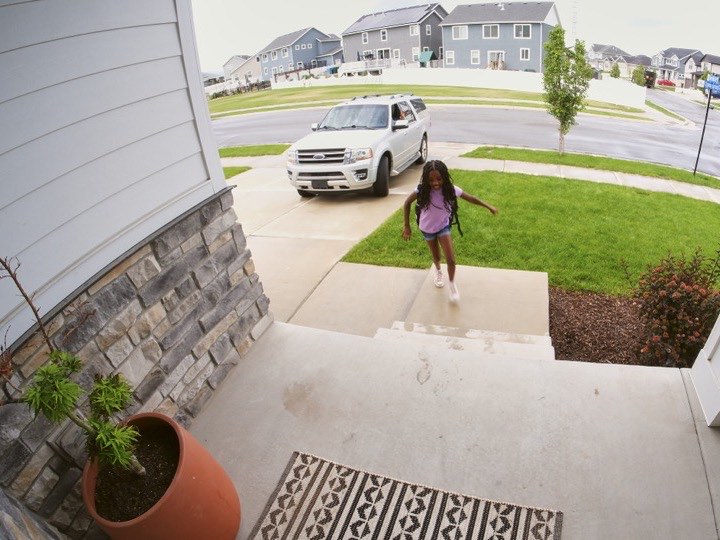
Bring your own cameras

Callie plays the cameras you already own. Anything in Apple Home shows up with one switch, and RTSP cameras like UniFi, Reolink, Tapo and most ONVIF models add by IP address or stream URL. Feeds get their own tab on the TV and can sit beside the week, and never leave your home network.

Set up in ten minutes

You keep the calendar you already have. Just install the Callie app on your device.

1

Create your family

One account to start, signed in with a passkey. Invite up to five more adults with a 6-digit code.

2

Add your calendar

iCloud and Google both publish a private feed link for a calendar. Add it and add your people.

3

Link your device

Open Callie on your Apple TV, iPad, or iPhone, read the 6-digit code off the screen, and type it on the web.

Put the week where everyone can see it.

Join the free beta